

Digital technology brings convenience, communication, and unlimited access to information. However, growing cyber threats make personal data protection more important than ever. Hackers, scammers, and malicious websites target sensitive information every day.
Taking simple security measures can help protect privacy and prevent identity theft. This guide explains practical ways to secure personal information online and maintain a safer digital experience.
Read More: Best Cybersecurity Practices for Beginners
Why Online Privacy Matters
Personal information includes names, addresses, phone numbers, banking details, passwords, and social media accounts. Criminals use stolen data for financial fraud, identity theft, and unauthorized access. Strong security habits reduce risks and protect valuable information.
Create Strong Passwords
Weak passwords increase vulnerability. Strong passwords provide the first layer of protection.
Best Practices for Password Security
- Use at least 12 characters.
- Combine uppercase letters, lowercase letters, numbers, and symbols.
- Avoid birthdays, names, or common phrases.
- Create unique passwords for every account.
- Change passwords regularly.
Password managers help store credentials securely and generate complex passwords.
Enable Two-Factor Authentication
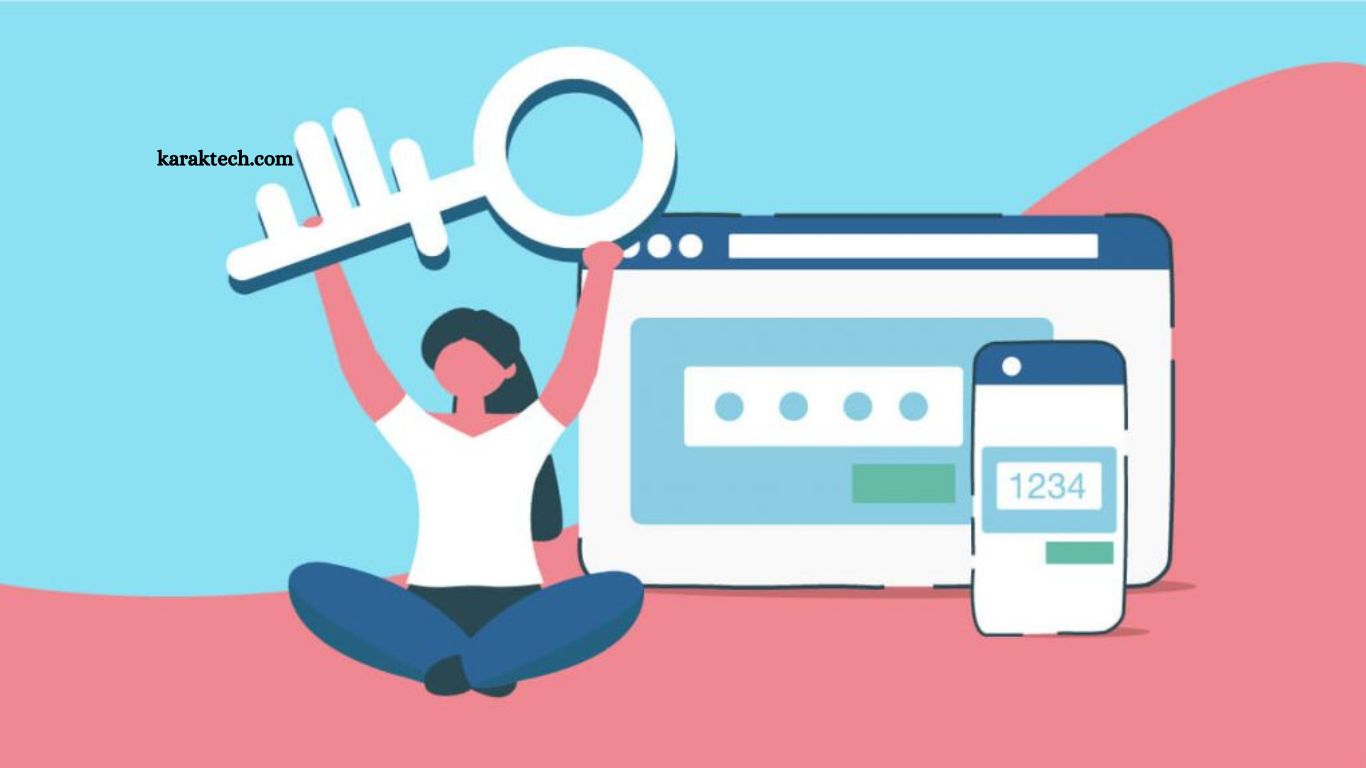
Two-factor authentication adds another level of security. Besides entering a password, users verify identity through a code, an authentication app, or a biometric method.
Benefits of Two-Factor Authentication
- Blocks unauthorized access.
- Strengthens account security.
- Reduces risks from password leaks.
- Protects email, banking, and social media accounts.
Beware of Phishing Scams
Cybercriminals often send fake emails, messages, or websites designed to steal sensitive information.
Warning Signs of Phishing Attempts
- Urgent requests demanding immediate action.
- Suspicious links or attachments.
- Poor grammar or spelling errors.
- Unknown senders.
- Requests for passwords or financial details.
Always verify sources before clicking links or downloading files.
Keep Software Updated
Software updates contain security patches that fix vulnerabilities.
Important Areas to Update
- Operating systems
- Web browsers
- Antivirus programs
- Mobile applications
- Smart devices
Automatic updates provide continuous protection against new threats.
Use Secure Wi-Fi Connections
Public Wi-Fi networks often lack proper security. Cybercriminals may intercept information transmitted through unsecured networks.
Safe Browsing Tips
- Avoid accessing banking accounts through public Wi-Fi.
- Use a Virtual Private Network (VPN).
- Connect only to trusted networks.
- Disable automatic Wi-Fi connections.
Secure internet connections help protect sensitive information from interception.
Limit Personal Information Sharing
Oversharing creates opportunities for cybercriminals and identity thieves.
Information to Protect
- Home address
- Phone numbers
- Financial records
- Travel plans
- Personal identification details
Review privacy settings across social media platforms and restrict public visibility.
Shop Only Through Secure Websites
Online shopping requires caution. Fraudulent websites often imitate trusted brands.
Identify Safe Websites
- Look for HTTPS encryption.
- Check website reviews.
- Verify contact information.
- Avoid deals that appear unrealistic.
- Use secure payment methods.
Secure websites reduce financial risks and improve transaction safety.
Install Reliable Security Software
Antivirus and anti-malware solutions detect harmful programs and prevent attacks.
Features to Consider
- Real-time threat detection
- Malware protection
- Firewall security
- Safe browsing tools
- Automatic updates
Regular scans improve device security and protect valuable information.
Monitor Accounts Regularly
Frequent account reviews help identify suspicious activity before serious damage occurs.
Areas to Check
- Bank statements
- Credit card transactions
- Email accounts
- Social media profiles
- Online subscriptions
Immediate action after detecting unusual activity minimizes risks.
Backup Important Data
Unexpected cyberattacks, device failures, or ransomware infections can result in data loss.
Effective Backup Methods
- External hard drives
- Cloud storage services
- Automatic backup solutions
- Multiple storage locations
Regular backups ensure quick recovery after unexpected incidents.
Teach Family Members About Online Safety
Cybersecurity awareness benefits everyone. Children and older adults often become targets because of limited knowledge about online threats.
Essential Safety Habits
- Avoid suspicious links.
- Protect passwords.
- Verify unknown messages.
- Recognize scams.
- Use privacy settings.
Education creates stronger digital security for entire households.
Frequently Asked Questions
Why is online security important?
Online security protects personal data from hackers, scams, and identity theft.
How can I create a strong password?
Use a combination of letters, numbers, symbols, and at least 12 characters.
What is two-factor authentication?
Two-factor authentication adds an extra verification step to secure accounts.
How can I avoid phishing attacks?
Avoid suspicious links, verify senders, and never share sensitive information through unknown emails or messages.
Is public Wi-Fi safe for banking?
No. Public Wi-Fi networks can expose sensitive information to cyber threats.
How often should I update software?
Install updates regularly to protect devices from security vulnerabilities and malware.
Conclusion
Protecting personal information online requires awareness and consistent security habits. Strong passwords, two-factor authentication, software updates, secure connections, and cautious browsing significantly reduce cyber risks. Simple preventive measures create stronger defenses against identity theft, financial fraud, and data breaches.
